- Login to your GoDaddy by clicking "Sign In"
After logging in, it will automatically bring you to the "My Products" page. On the domain you are wanting to change the nameservers for, click "DNS"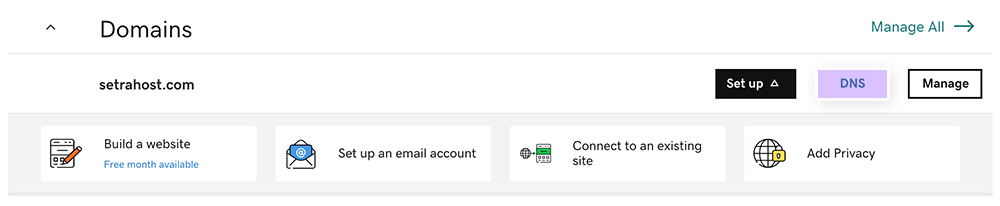
- Under the Nameservers section, click "Change"
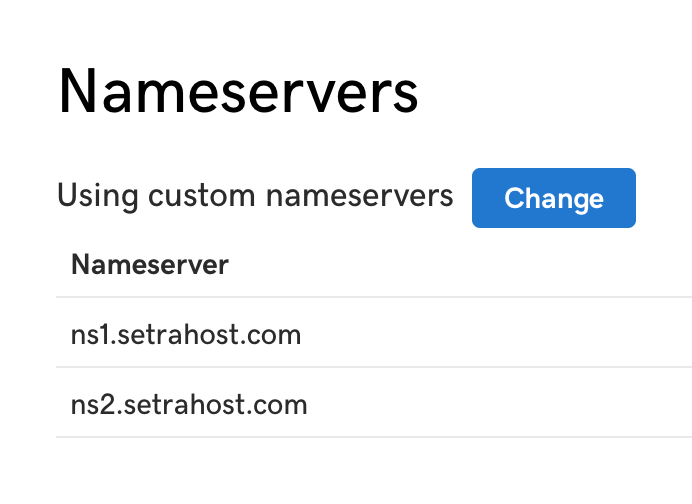
- Select "I'll use my own nameservers" and add the nameservers that were provided for your SetraHost hosting account. We provide this in your welcome email after signing up for our hosting services.
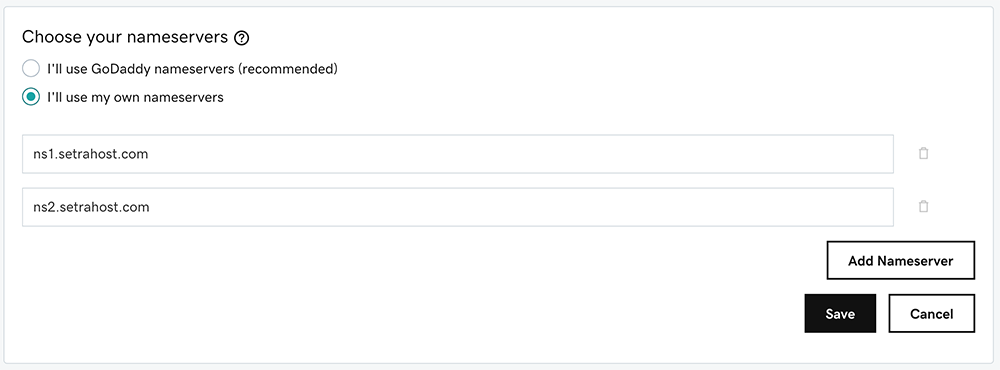
NOTE: Make sure you are adding the nameservers that were supplied in your welcome email. They may differ from the nameservers above as each server has it's own assigned nameservers. - Click Save and you're good to go! DNS propagation may take up to a few hours to complete and show your website on SetraHost. Try clearing your cookies in your browser to possibly speed up this process on your end.